⚡️
60 fps, low latency
Hardware video encoding on the Mac, hardware decoding on your device. Stale frames are dropped, never queued. HEVC with optional HDR.
 Volero
Control your Mac from your iPhone, iPad, Apple Vision Pro or another Mac. Fast, private and end-to-end encrypted — straight between your devices, with no account and no servers.
Free for personal use · macOS, iOS, iPadOS, visionOS & watchOS 26
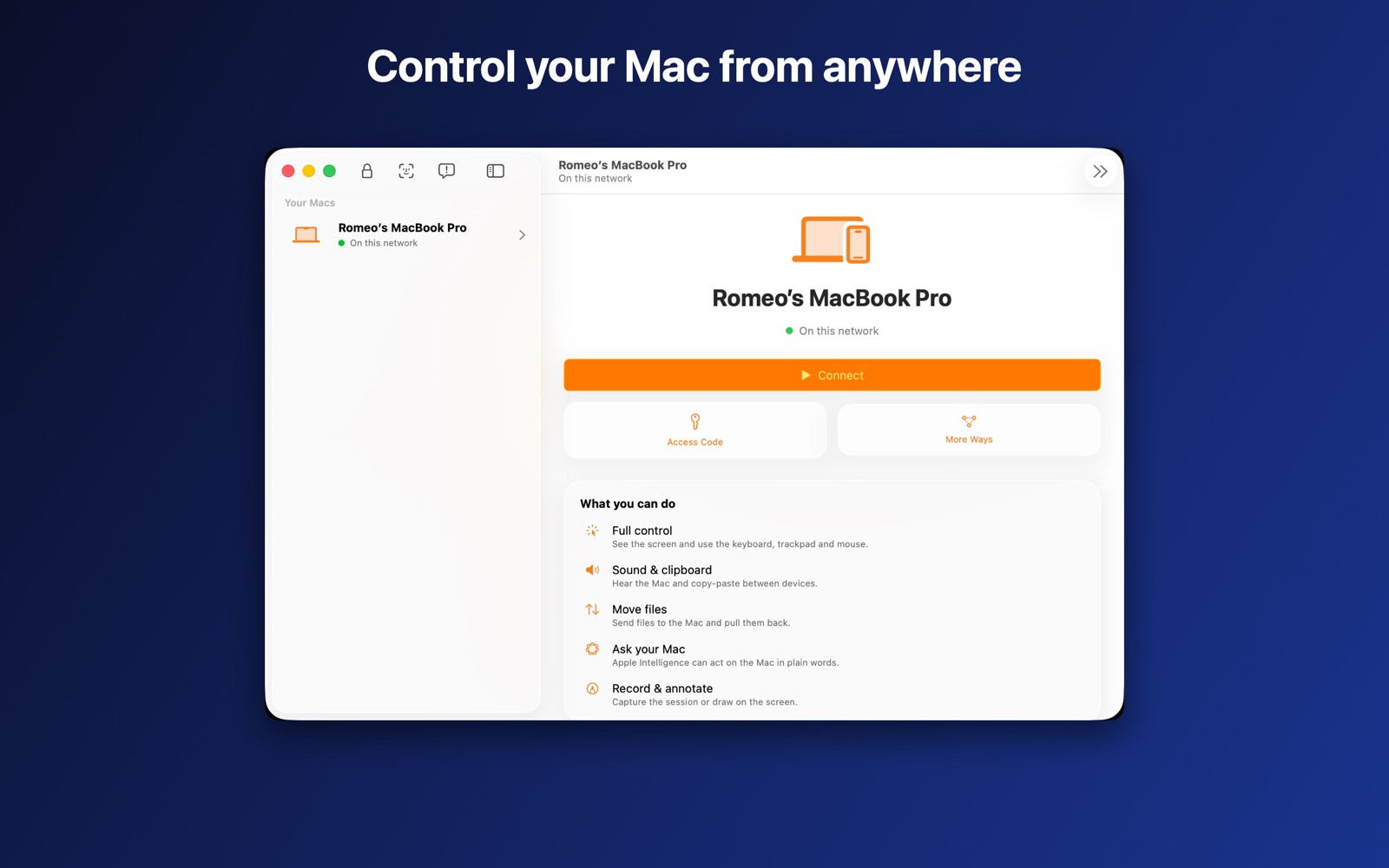
Volero uses the same frameworks as Apple's own apps — ScreenCaptureKit, VideoToolbox and Network.framework — so it's quick, battery-friendly and feels native on every device.
Hardware video encoding on the Mac, hardware decoding on your device. Stale frames are dropped, never queued. HEVC with optional HDR.
Tap to click, drag to select, two fingers to scroll, pinch to zoom, three fingers for Spaces and Mission Control. Trackpad, mouse and keyboard too.
Your Mac as a huge, sharp window in your space, with native visionOS controls.
Hear your Mac with low-delay audio, send files both ways, share the clipboard, and chat during a session.
"Connect to Studio Mac." Spotlight, Control Center, Live Activity and Apple Watch are all built in.
Ask what's on your screen or run a command in plain English — on-device, private, no cloud.
The same fast, private session — whether you reach for your phone, your tablet, your headset or another Mac.
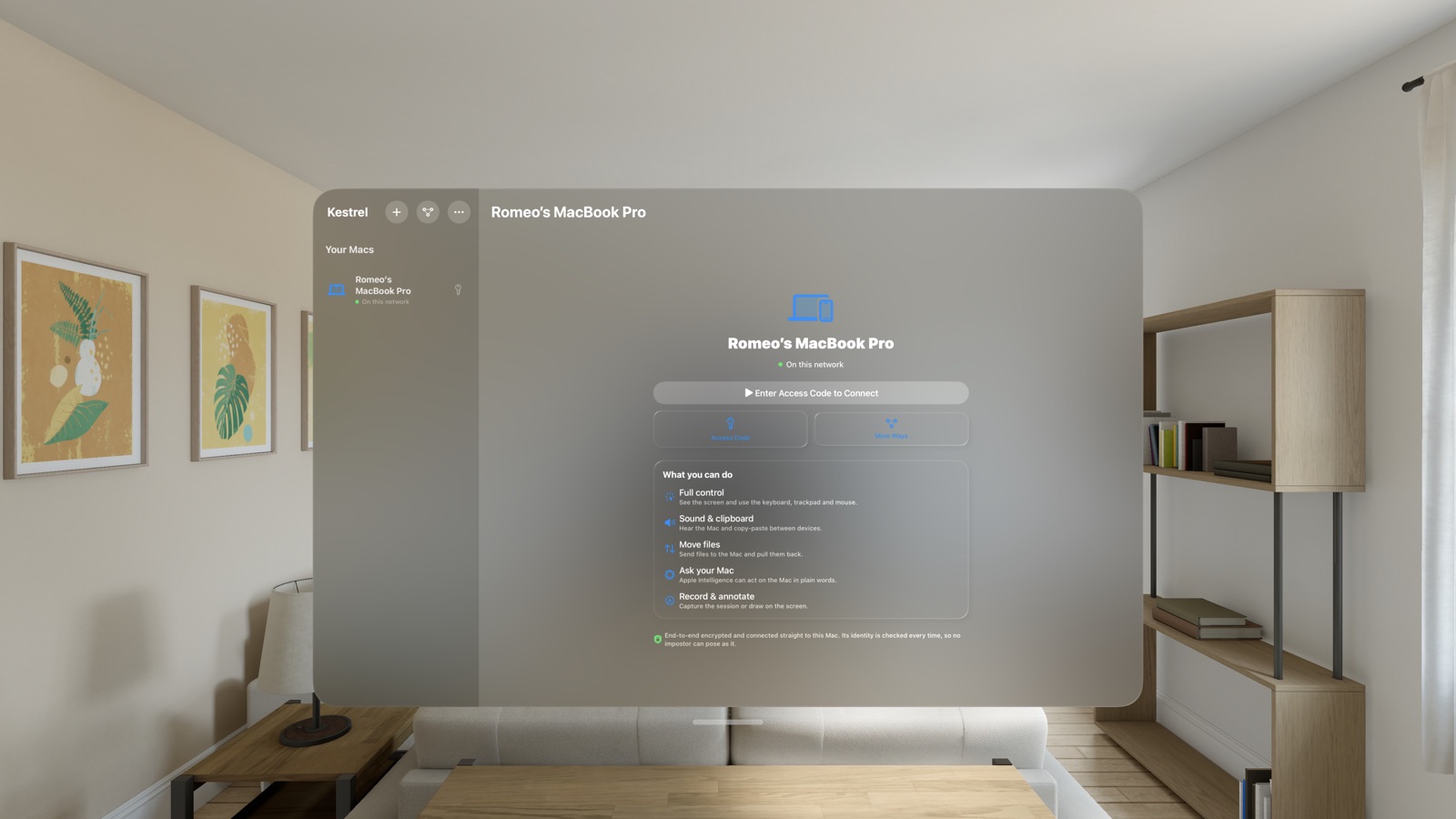
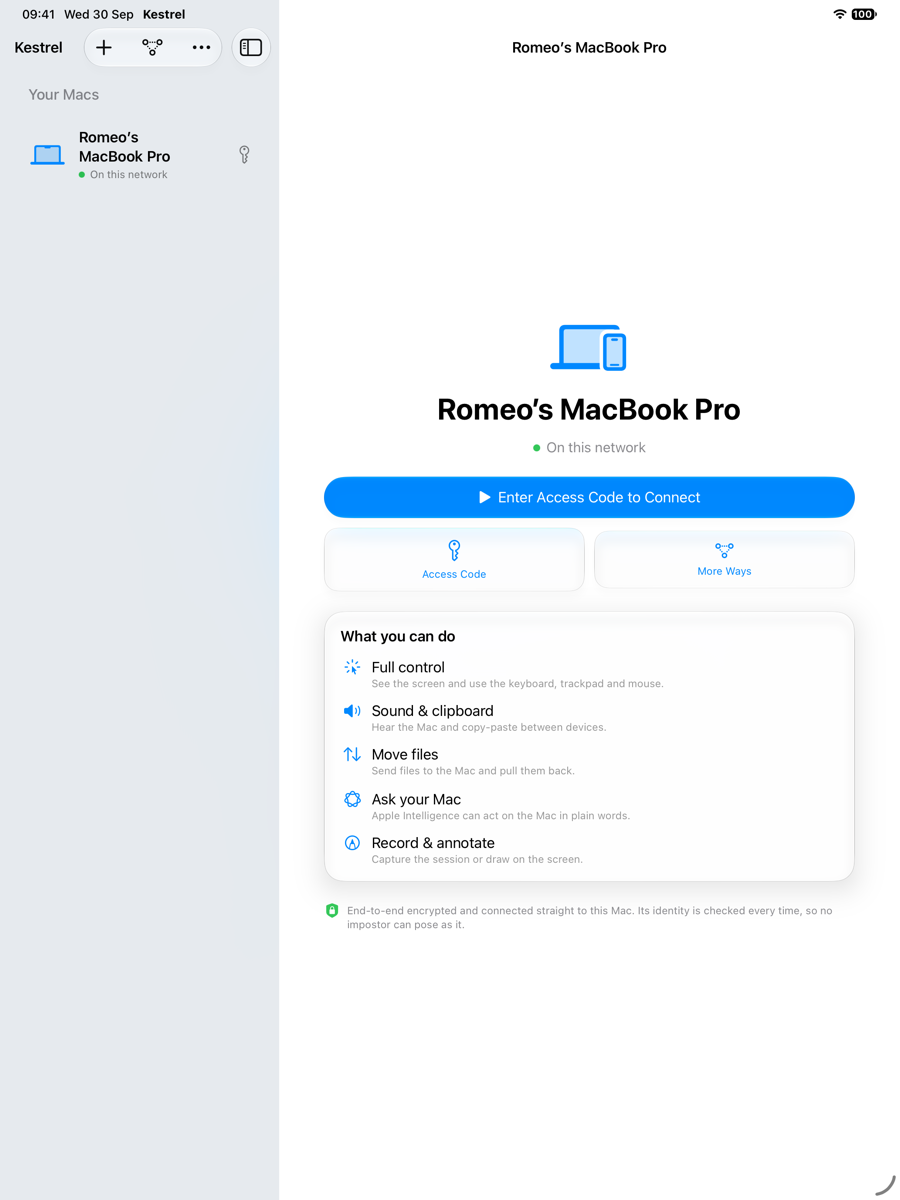
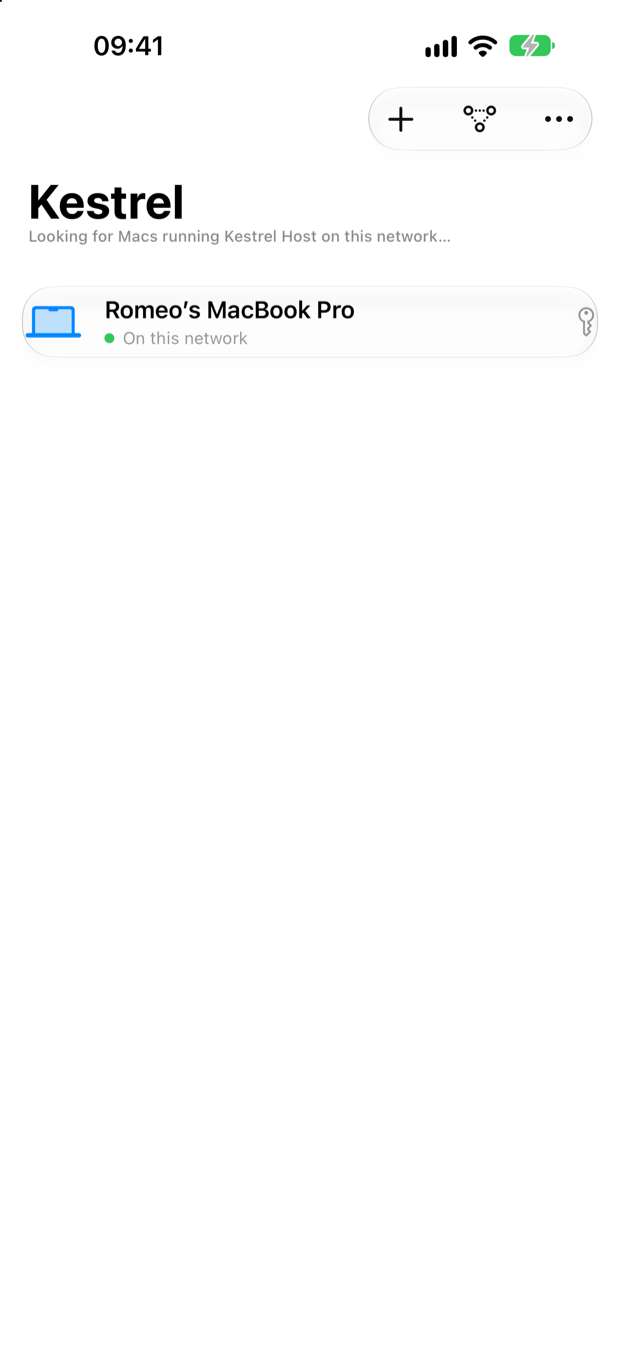
Your screen goes straight from your Mac to your device. We never see it, because there's nothing in between.
End-to-end, post-quantum secure channel every session. A wrong access code is rejected before a single pixel is sent.
The Mac asks before anyone new connects, with optional Face ID, and you can end any session instantly — even from Siri.
No analytics, no tracking, no ads. It says so on the App Store privacy label, and it's true.
Most remote-desktop tools route your screen through their own servers and ask you to make an account. Volero doesn't.
| Volero | Typical remote-desktop app | |
|---|---|---|
| Runs through a company's servers | No — device to device | Usually yes |
| Account & sign-up required | None | Yes |
| End-to-end, post-quantum encryption | Yes | Rarely |
| Built natively for Apple Vision Pro & Watch | Yes | No |
| Free for personal use | Yes, forever | Often limited/paid |
| Data collected about you | None | Varies |
Everything you need to control your own Macs is free, forever. Business adds a relay for hard networks and team features.
Or £49.99/year. 7-day free trial. Coming soon — Solo stays free.
Yes. Install Volero Host on the Mac and Volero on your iPad or iPhone, then enter the access code shown on the Mac.
Yes. Connect over your own iCloud, or add your Mac by address. Volero works with private networks such as Tailscale, whose free plan links your own devices from anywhere without port forwarding.
Yes, as a native visionOS app that shows your Mac as a large window in your space.
No remote desktop app can: Apple doesn't allow it. Volero controls Macs from any Apple device.
Yes, for controlling your own Macs. A paid Business tier adds a relay for hard networks and team features.
Install Volero Host on your Mac, get Volero on your other devices, and you're connected in under a minute.